Thanks, we've got it.
Here's what happens next: someone from our team will email you to set up your demo.


With TEpayments by Zinc, applicants and residents pay online. Your team can track payments, manage deposits, and handle refunds in one payment platform, with less manual work.
Fewer payment calls. Less paperwork. $0 in setup, software license, or monthly fees for your association. Payment fees apply to applicants and residents.
Book your free demo
Taking card details, handling checks, and answering payment calls all take time. TEpayments by Zinc lets applicants pay online and gives your team a clear view of what’s paid and what needs attention.
Your team has to be available to take payments by phone or in person.
Someone stops what they’re doing to take a call and process a payment.
Your team collects checks and keeps track of which fees and deposits they cover.
“Did it go through?” means another interruption and another record to check.
Fewer payments to handle during your team’s workday.
Less time taking card numbers over the phone.
See which fees and deposits are paid, with less manual tracking.
See what’s waiting, submitted, or completed, so you spend less time searching for an answer.
Less time handling payments. More time helping your community.
Applicants pay in a few clicks from Zinc's email. Your team sees every payment go from Waiting to Completed.
From application to move-in

Fees and deposits collected the moment an application closes, before or after approval.
Waiting on a payment never holds up the approval.
Applicants pay their way, and the office can still take a payment by hand.
What’s collected, outstanding, and refunded, in one view.
NSF (Non-Sufficient Funds) problems spotted before a payment fails.
No manual tracking, no reconciliation headaches. Deposits return automatically to the original payment method.
Managing a deposit shouldn’t mean more paperwork when it’s time to return it. TEpayments by Zinc automatically refunds deposits to the original payment method on the scheduled refund date.
Less time preparing refund checks and tracking their return.
Adjust the scheduled refund date when a resident’s move changes.
Record the amount and attach supporting documents before the refund.
See refund status and a history of changes, so your team can answer questions without searching through paperwork.
Managers, boards, applicants, and your own team all use the same workflow, and each one gets something different out of it. Find your seat below.

Get time back. Payments update on their own, with fewer follow-up calls.

One process, every property. Each association keeps its own fees and pays $0.

Answers in seconds. Every payment leaves a traceable record you can export.

Pay from anywhere, any hour. No office visits, no phone calls, no checks.

No big team needed. One board member turns it on in about 7 minutes.

It's already available to you. Turn it on in about 7 minutes, for $0.
TEpayments by Zinc brings association fee and deposit collection into the TenantEvaluation resident onboarding workflow. See how each association configures what to collect, when payment requests appear, and how funds reach the designated account.
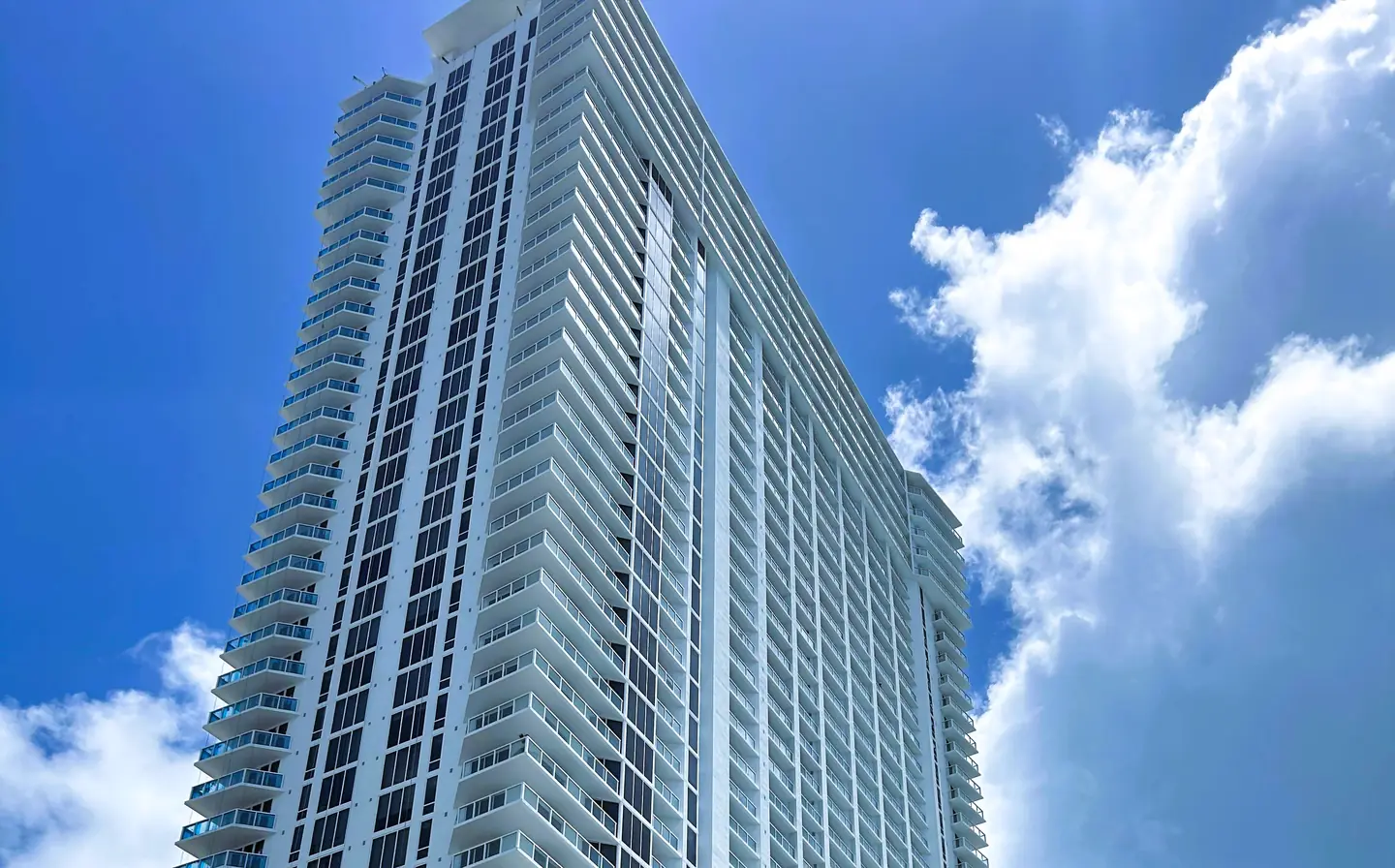
Here's what changed when La Perla Sunny Isles Beach Condominium turned on TEpayments by Zinc in March 2026.
Units at La Perla Sunny Isles Beach Condominium.
Up to 12 rentals per unit, every year.
Staff time saved on payment administration, estimated across 422 applications.
Payments completed online since March 2026.
First-attempt payment issues caught and fixed.
Nothing added to the association's budget.
Results since March 2026, as reported by La Perla Sunny Isles Beach Condominium. Results vary by property, payment types, and workflow.
In their words
”Implementing TEpayments by Zinc has been a game-changer for La Perla Sunny Isles Beach Condominium. It has streamlined our operations, significantly reduced processing times, and provided our owners, residents, and tenants with a fast, secure, and convenient way to make payments from anywhere. The platform integrates seamlessly with our accounting processes, offers outstanding reporting and transparency, and continues to grow with our needs. Working with the Zinc team has been an excellent experience, and we look forward to expanding the platform to support even more of our daily operations.
Turning on TEpayments by Zinc adds $0 to your association's budget. No new software line. No new bill.
Processing time is a service average, not a guaranteed timeline or a result specific to La Perla Sunny Isles Beach Condominium. La Perla Sunny Isles Beach Condominium’s cumulative time estimate is based on 422 applications at 15 minutes each. The dollar value uses a local administrative wage benchmark of $21.51 per hour and represents time available for other work, not a confirmed reduction in payroll expenses. Results vary by community. Residents pay a $0.99 convenience fee per invoice.
Applicants and residents pay without calling or visiting your office.
Collect deposits, set refund dates, and let Zinc return funds automatically. Your team can update dates and record deductions when needed.
See what’s paid, what’s pending, and what needs attention, with less manual tracking.
Application processing from start to finish, including fee and deposit collection.
Estimated staff time redirected from payment administration to other community needs.
The estimated value of those recovered hours, based on a local administrative wage benchmark.
$0 setup fee. $0 software license fee. $0 monthly charge.
No paperwork to collect. No new bank account. Here's the whole process.
Any board member listed on Sunbiz, Florida's business registry.
They complete the wizard and sign inside it. Nothing to upload.
Zinc validates the account and lets your team know it's active.
We train your team, and you link your current operating account.
We'll walk you through your fees, your deposits, and exactly how they reach your account.
One call. Your association pays $0.
Book your free demoTenantEvaluation organizes the process. Payments go directly through Zinc's payment technology to the association's designated account. TenantEvaluation never holds association funds.